Turn Your PDF Documents into Interactive Study Guides

Static PDFs are hard to study from. Syntable transforms your static documents into dynamic "Sessions" where you can interact with the text, generate quizzes, and chat with your files.
Import your File: Click the "+" (New) button in the sidebar and choose "Import PDF".
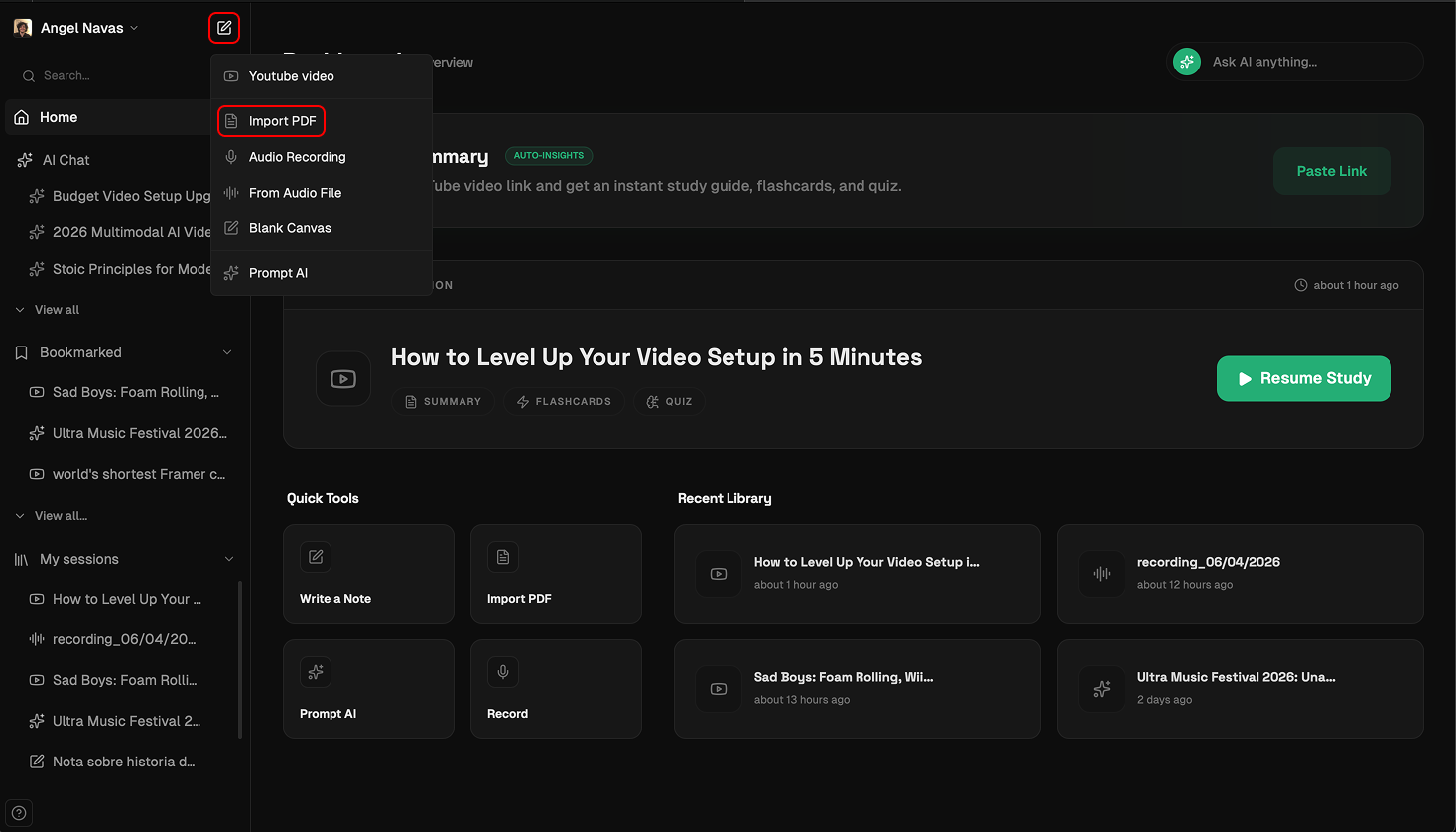
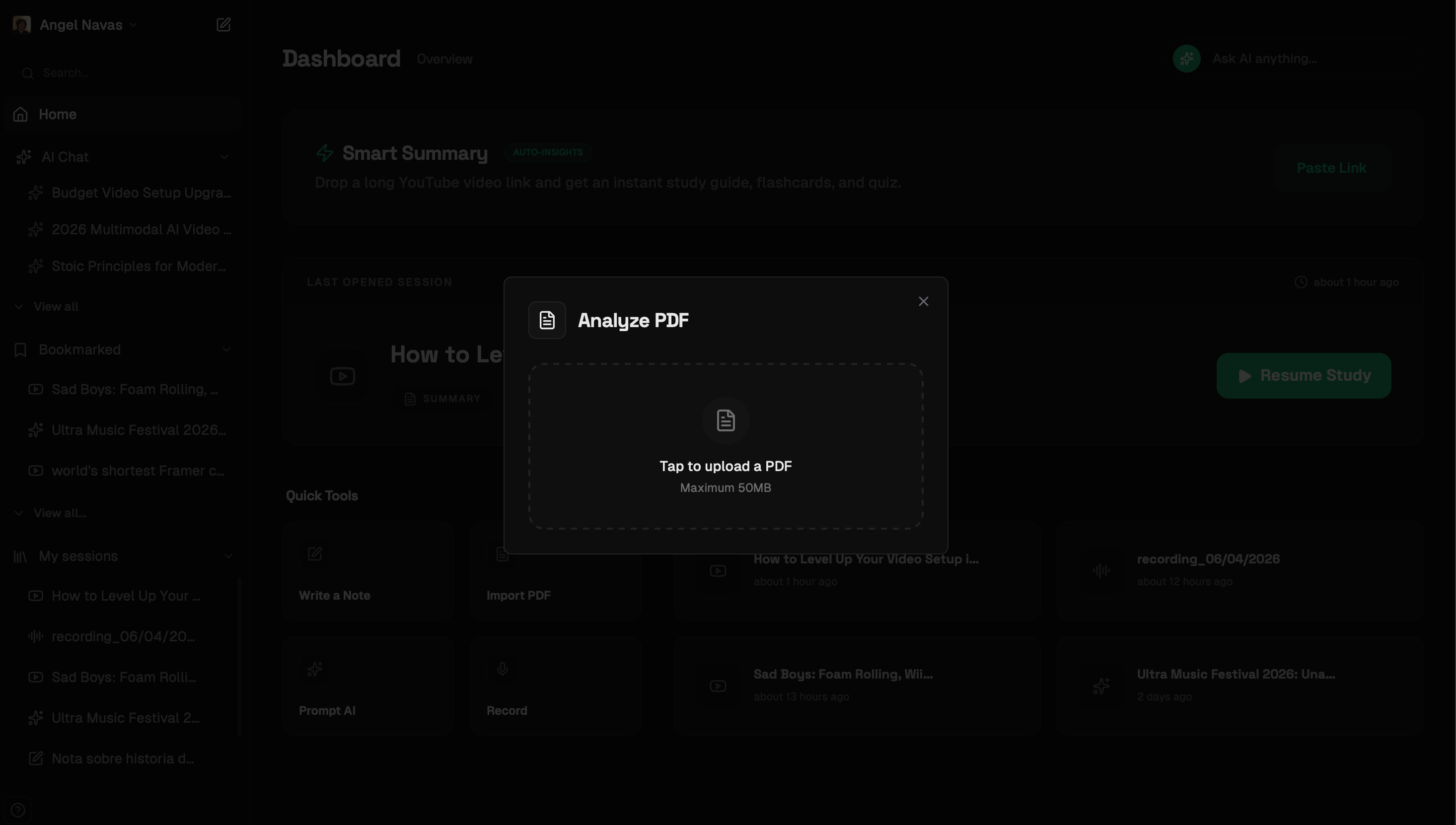
Drag & Drop: An upload area will appear. Drag your PDF or click to select the file from your computer. The processing starts automatically—no extra clicks needed.
Interact with the Reader: Your PDF is now a live document. Use the Flashcards or Quiz buttons in the top toolbar to test your knowledge based on the document's content.


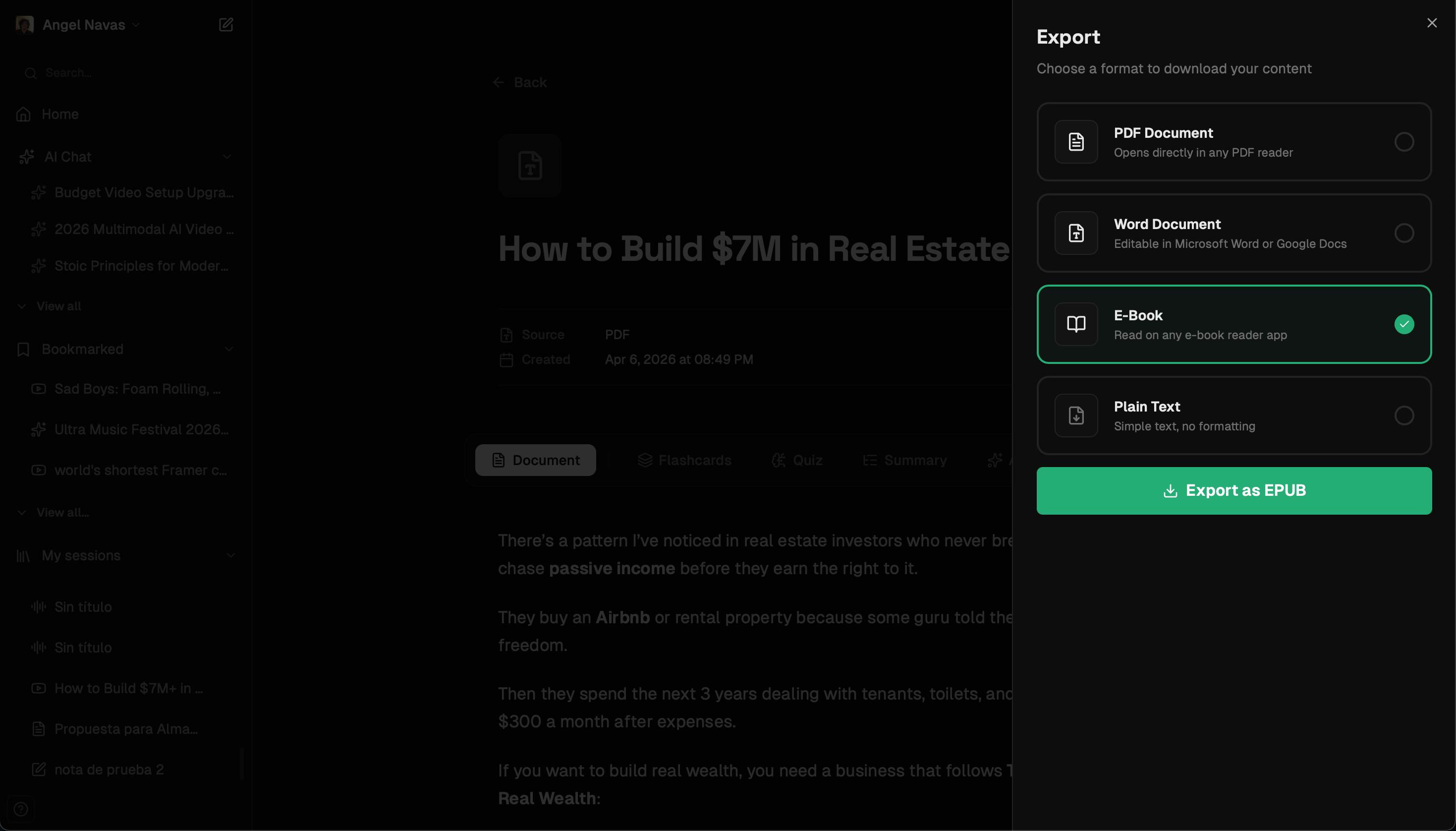
Need to take your study guide to go? Use the Export button to save your processed and improved text as an EPUB for your Kindle or a Word doc for further editing.
Make your PDFs smarter. Upload your first document to Syntable today.