How to Transcribe YouTube Videos into Organized Notes
Stop wasting hours scrubbing through long YouTube videos just to find one specific detail. Whether it’s a university lecture, a technical tutorial, or a deep-dive podcast, Syntable turns any video into a structured, searchable, and editable note in seconds.
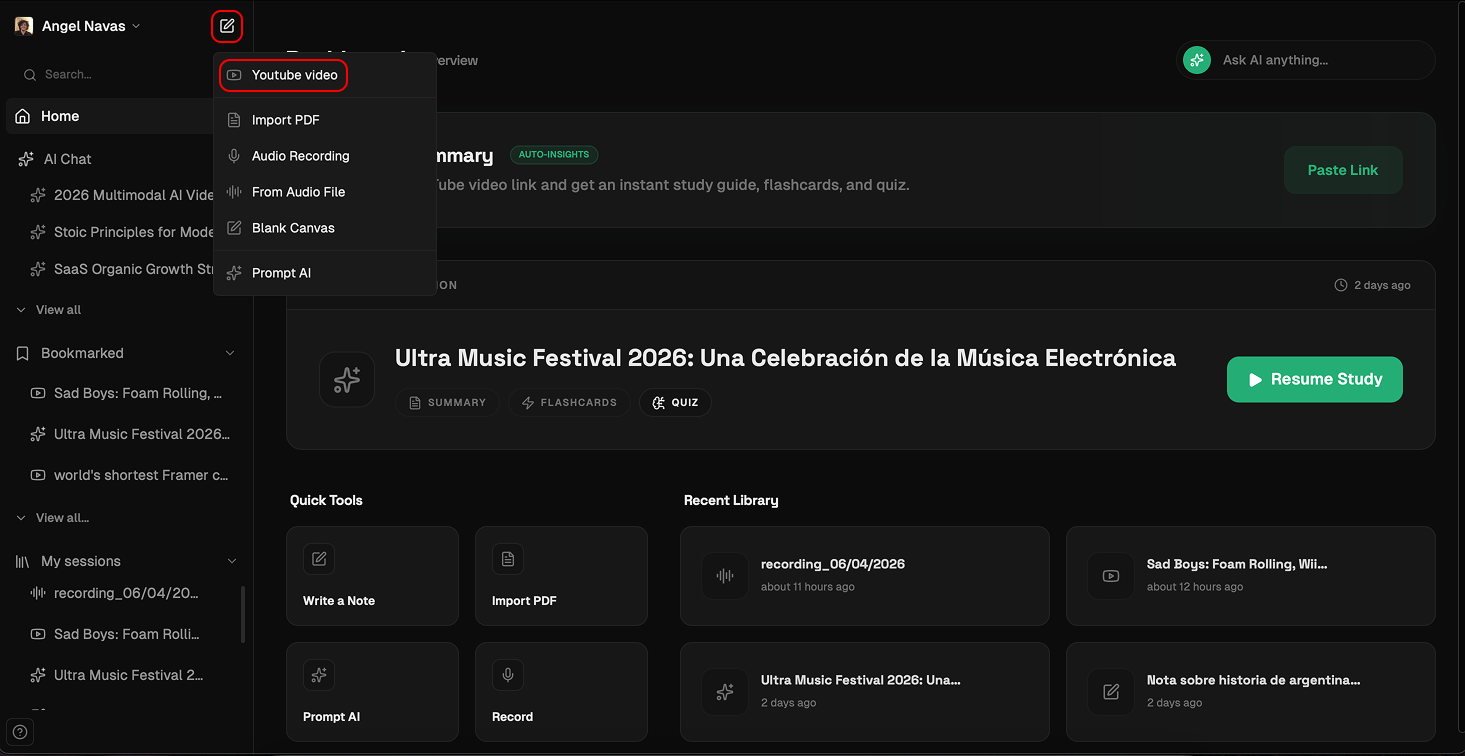
Start a New Session: In the sidebar, click the "+" (New) button next to your profile. Select **"YouTube Video"**from the dropdown menu.
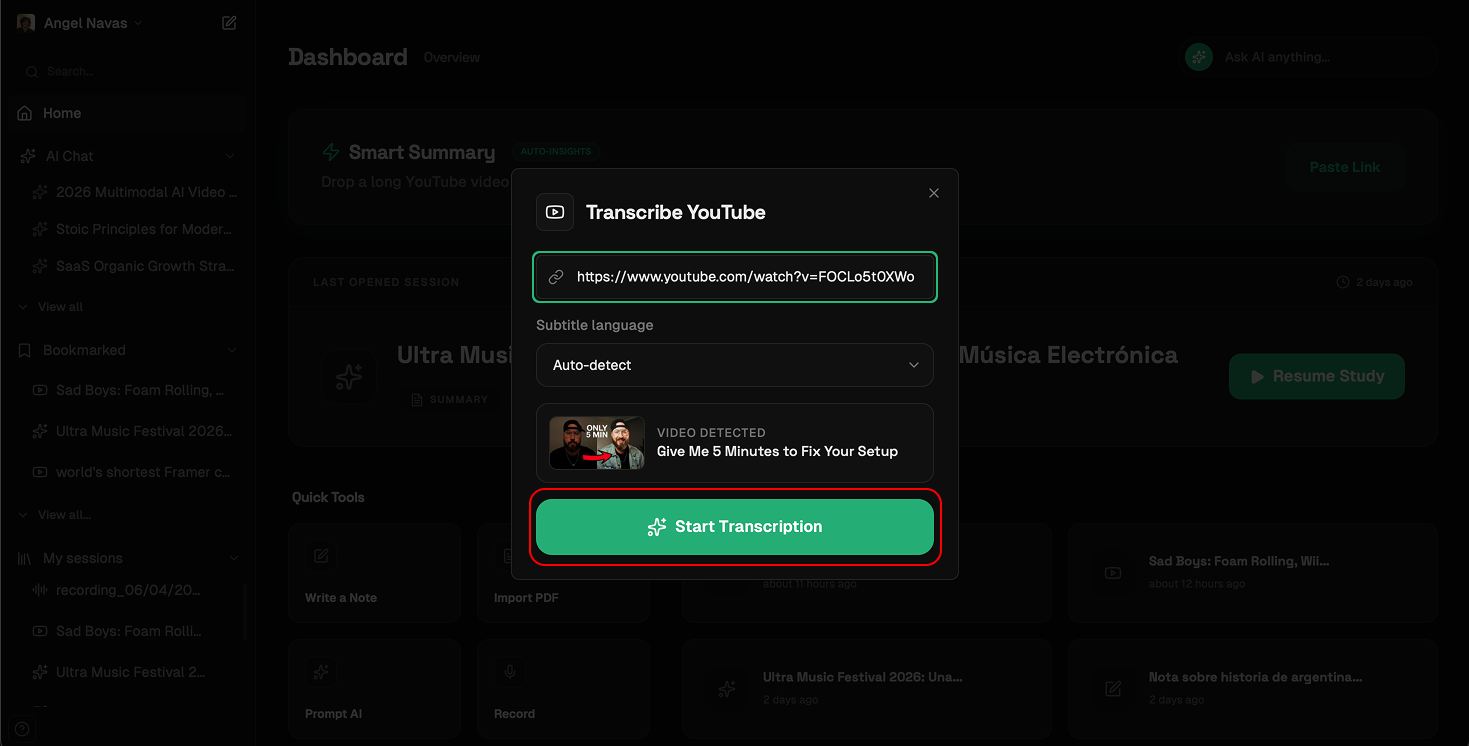
Paste & Detect: A modal will appear. Paste your YouTube link. You can manually select the language or let Syntable’s Auto-detect feature handle it for you. Click "Start transcription".
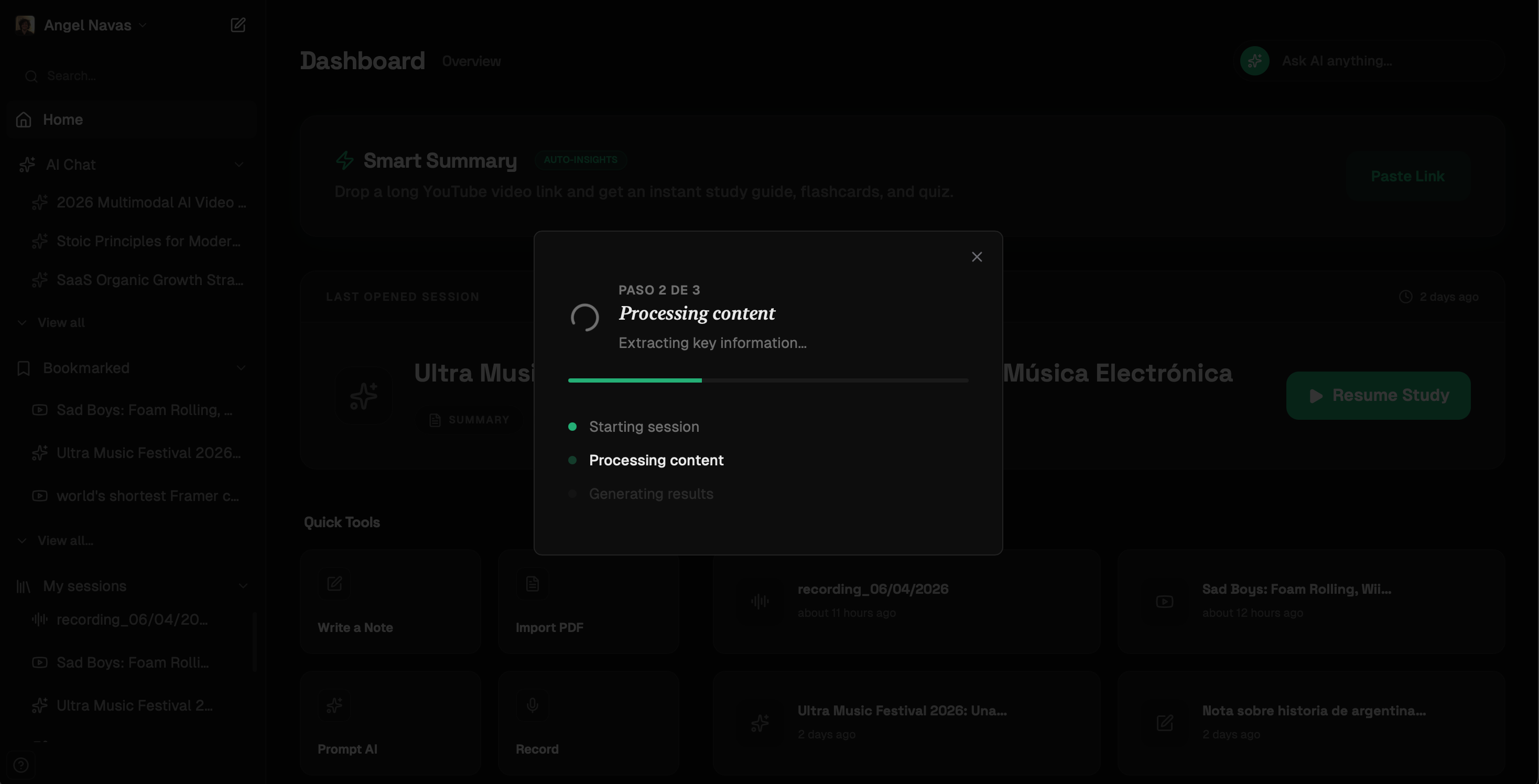
Magic in Progress: Syntable uses AI to not only transcribe but also format the text with hierarchy, making it immediately readable.
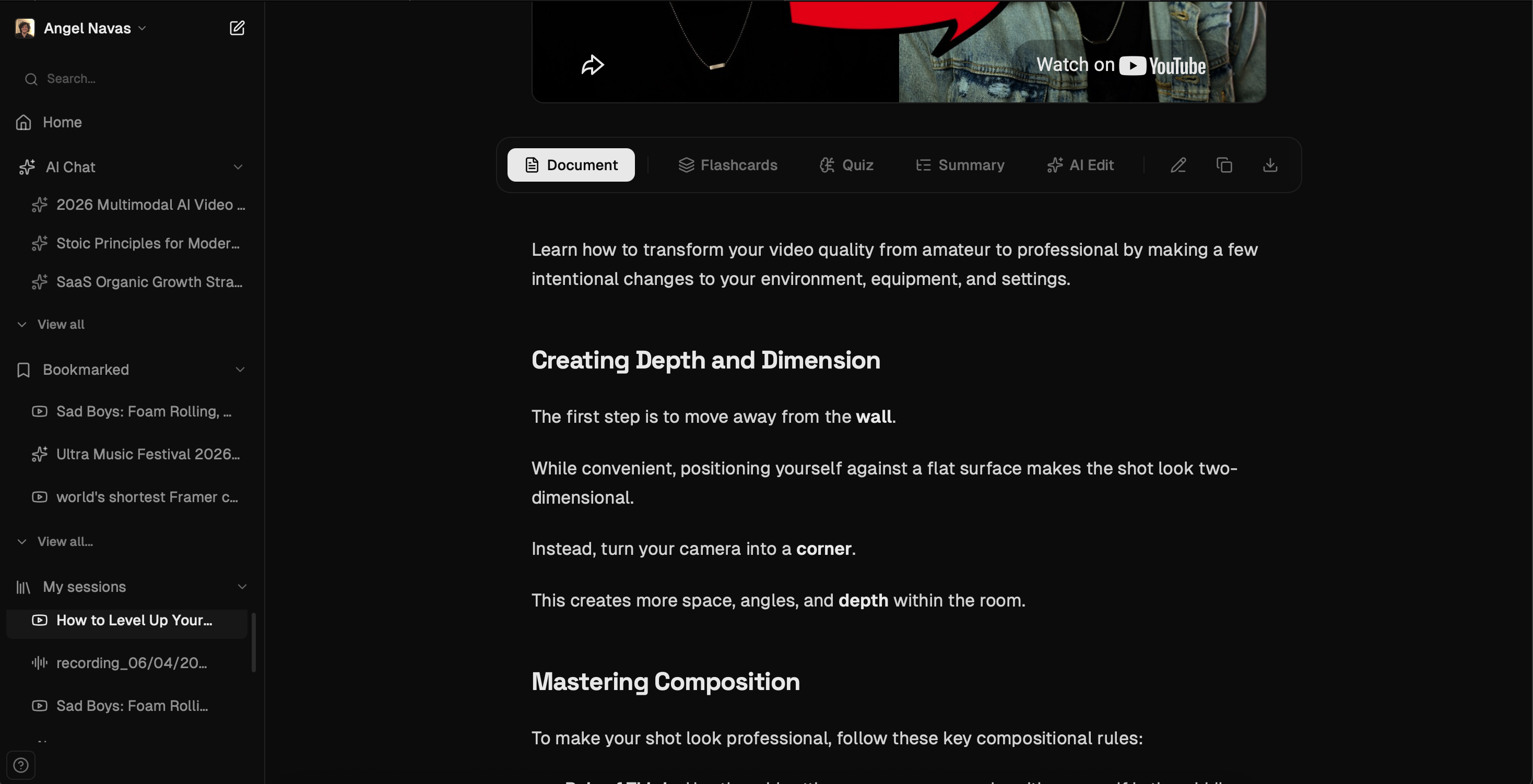
Review in the Reader: Once finished, your new session opens in the Reader. From here, you can edit the text or use the top toolbar to generate summaries.
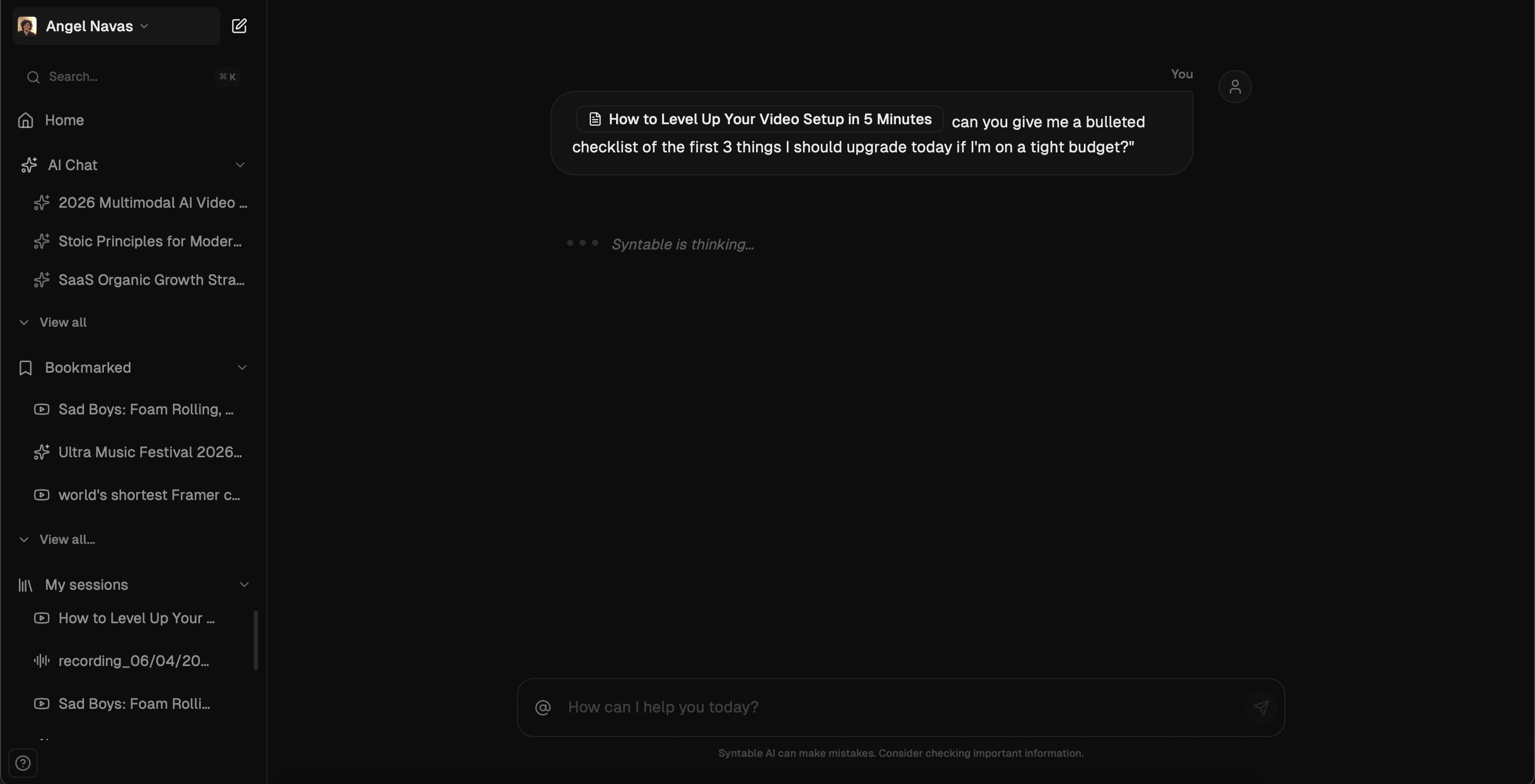
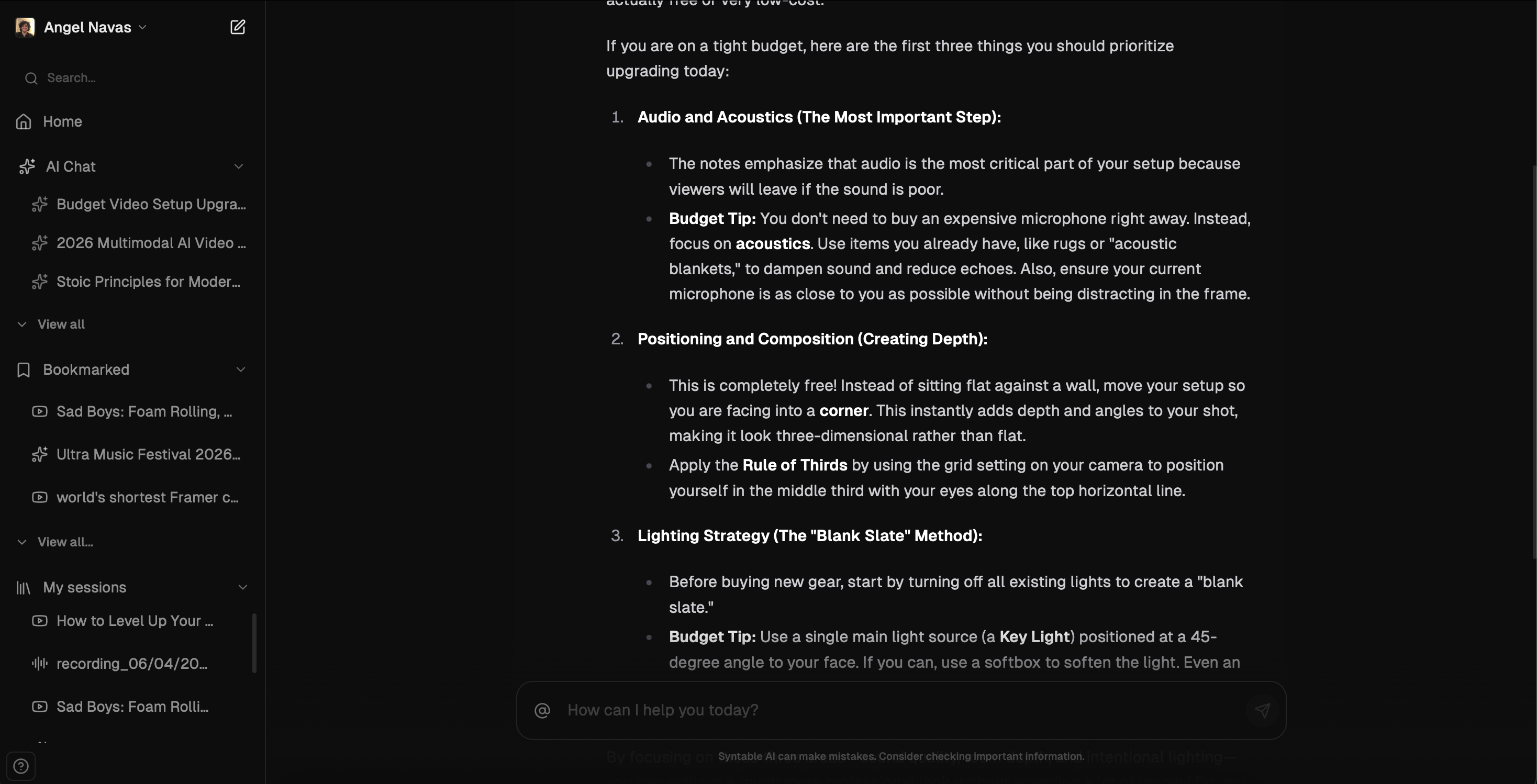
Once transcribed, use the AI Chat and type @ followed by your session name to ask specific questions about the video content without watching a single second more.
Ready to save time? Try Syntable for free and transcribe your first video now.